Double Slider
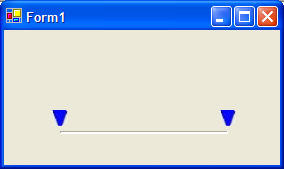
Here is a custom user control called a Double Slider:
The control is still pretty rudimentary, but feel free to add to it on your own.
 |
Download the code by clicking on the Zip file. |
To add the double slider to your program, first decompress the zip file.
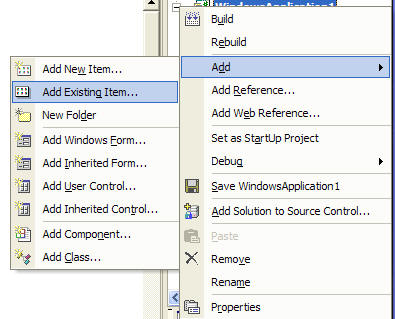
Right click on your Project Name in the Solution Explorer and choose Add Existing Item.
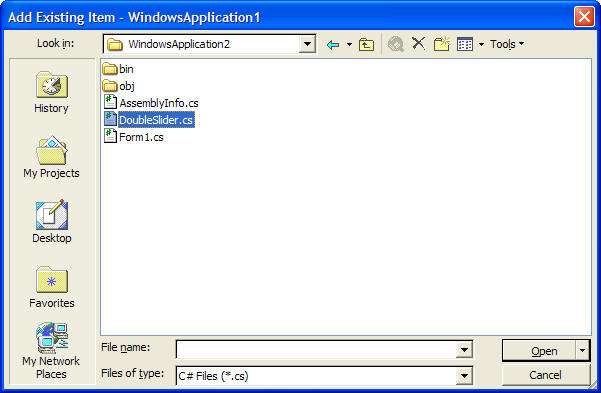
Find the file DoubleSlider.cs in the sample application's (the program you downloaded) directory.
Change the namespace in the DoubleSlider.cs code to the same name as your project's name.
If you Rebuild the Solution from the Build menu, you should be able to find the DoubleSlider in your toolbox under the tab My User Controls.
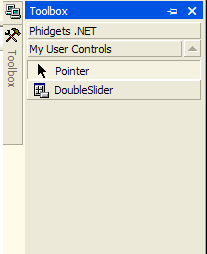
You can add it to a form from here.