
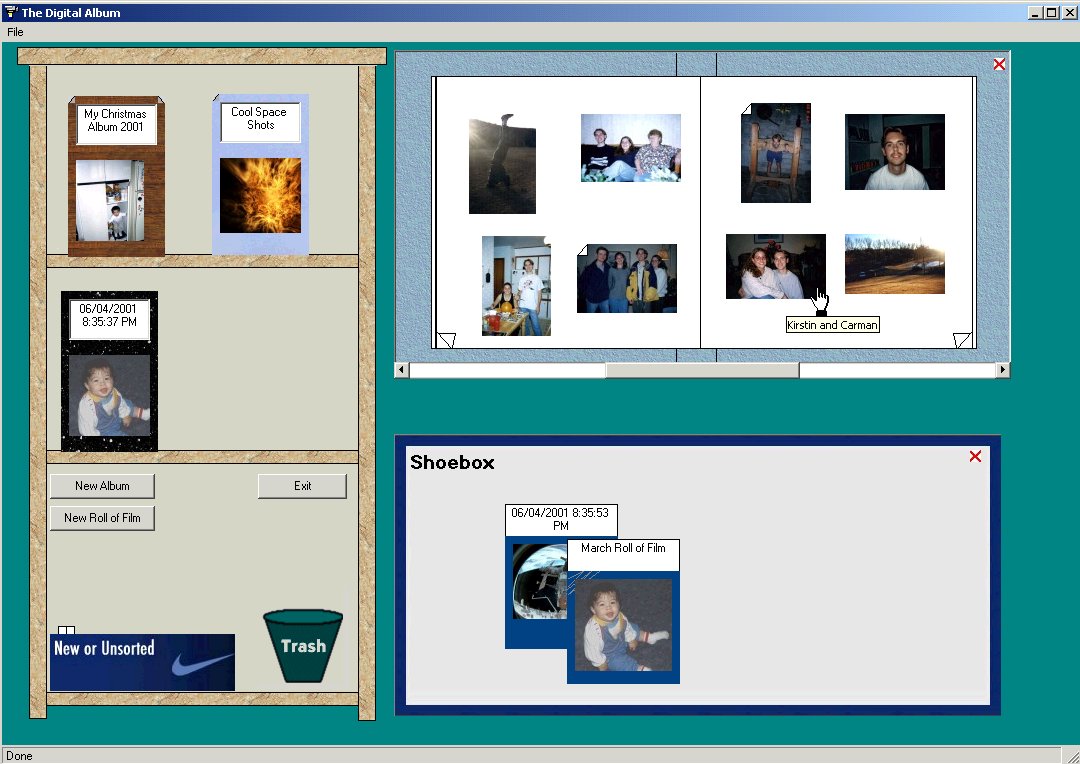
The Digital Album provides families with a familiar photo storage environment. Collections of photos can be created from various packages of photos which are kept in a typical shoebox. Photos can be stored in individual albums and a slideshow on the album cover shows the contents of the album. Photo thumbnails can be viewed in an album and albums can be navigated page-by-page. Searching for photos is easy by using familiar album covers, labels, and wear marks from frequently viewed albums or photos.
|
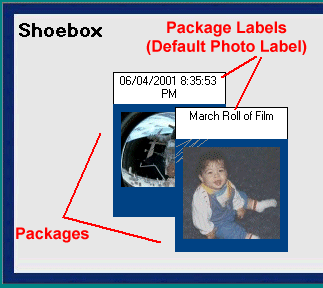
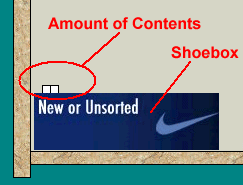
Shoebox A shoebox provides a storage place for groups of photos known as packages. These are collections of photos that have been added to your computer through scanning or a digital camera. They can stay in the shoebox or be added to an album. A slideshow of the photos within each package is displayed. The amount of contents from the shoebox is easily seen.  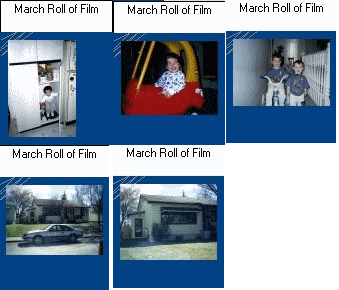 |
|
|
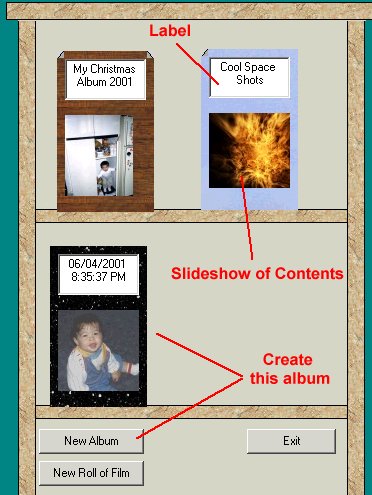
Photo Albums on the Bookshelf Albums can be created to store large or small collections of photos. Albums contain customizable labels and cover styles that can be used in searching for photos. A slideshow of the album's contents also appears on the cover of each album. |
 |
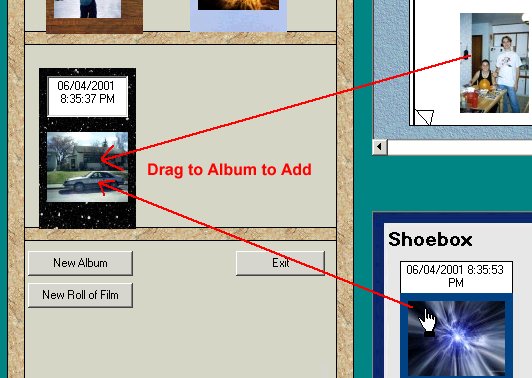 |
Individual photos from other albums or a package of photos can be added to an album by simply dragging the object to the destination album. |
|
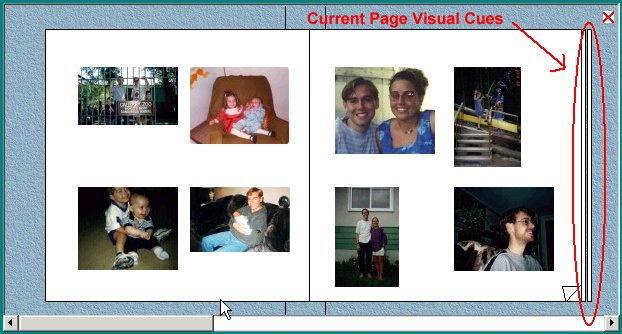
Open Photo Albums Albums can opened by double clicking on a particular album. Navigation through the album pages can be done page-by-page or with a page scroll bar for fast page flipping. Visual cues for the number of pages and current page are provided. 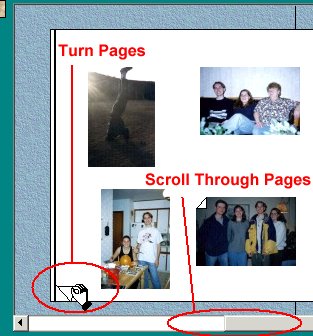
|
 |
|
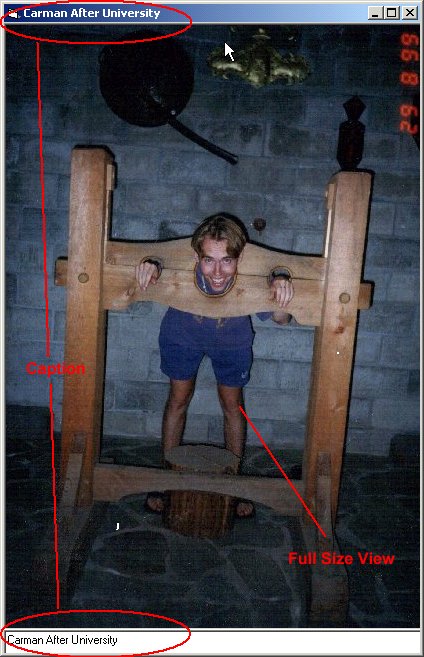
Viewing Full Size Photo Full size views of each photo can be viewed by double clicking on the individual photo. 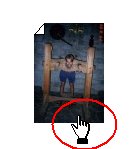 The photo's caption is viewable in the large view and can be modified for future viewing. Caption On Demand While hovering over the thumbnail in the album, the caption is also viewable. 
|
 |
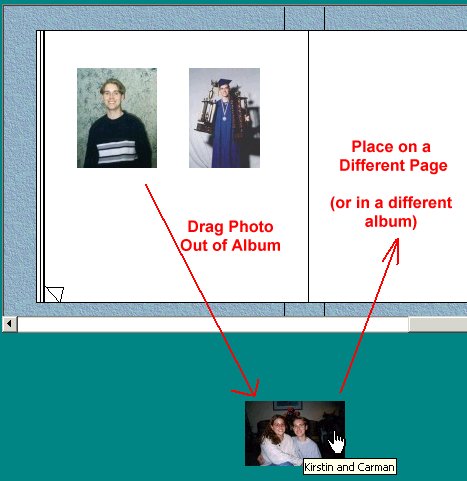 |
Moving Photos Photos can be moved around on their current page or moved to a different page. They can also be dragged on to a page from a different album. |
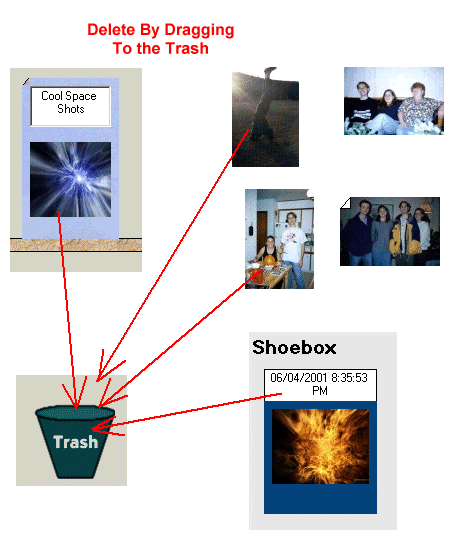
Trash Photos, packages or albums can be dragged to the trash can where they will be deleted from the system. Deleting a album or package removes all photos within it as well. |
 |
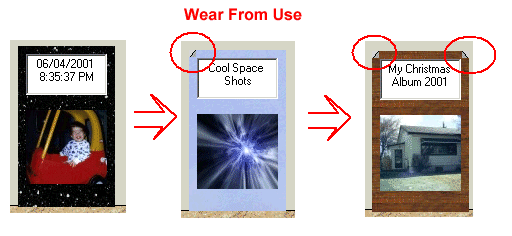
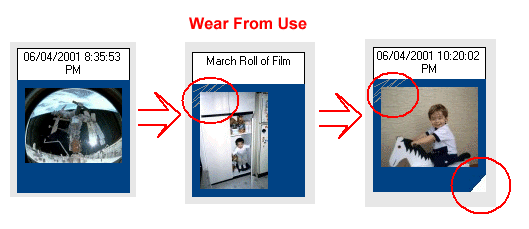
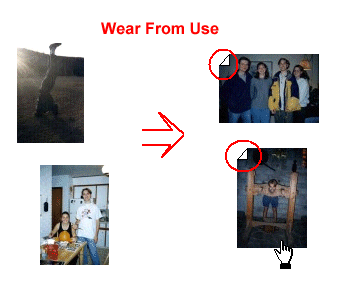
Usage and Wear Photos, packages or albums all wear over time displaying the amount of use of each item. This can be used as a visual cue to find a particular photo or to know which items you view most. |
   |