Interaction Design
 Saul Greenberg
(instructor)
Saul Greenberg
(instructor)
Back to Student
Work Repository
| CPSC
581/599.81 Interaction Design |
|
|
The Impatient Button uses an image to represent the button, a label for the button's caption, and a second label for the time. It also uses various picture boxes to control the mouse animation.
The Windows API ShowCursor function was used to toggle the visiblity of the user's mouse cursor to simulate taking control of the mouse cursor during brief animations.
The properties for the Impatient Button are basically that of the previously mentioned standard components.
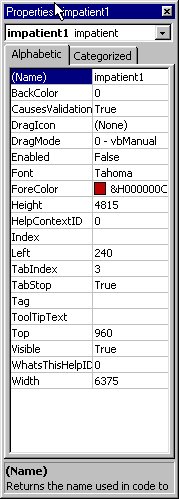
You can include this component in your VB project by selecting Components from the Project menu and then selecting "Button with an Impatient Personality" from the component list.
You need to install the font OzHandicraft into your Windows\Fonts Folder.